AI trend videos from one photo Star in
the trend.
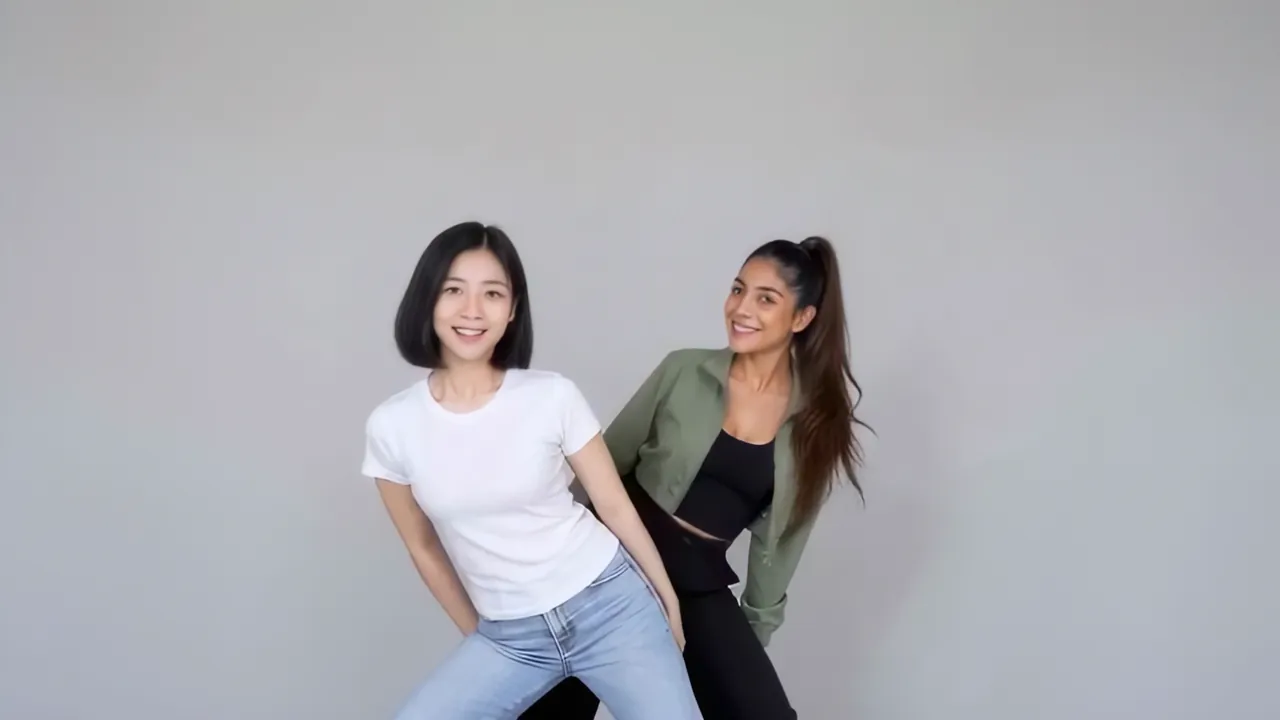
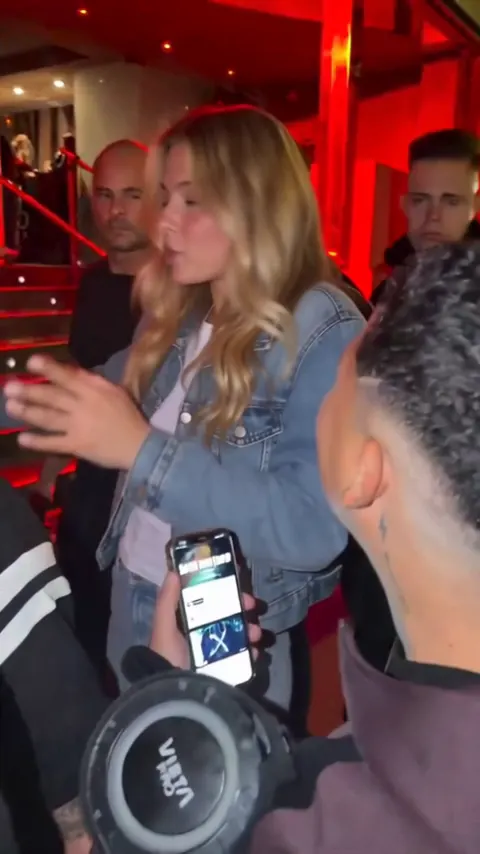
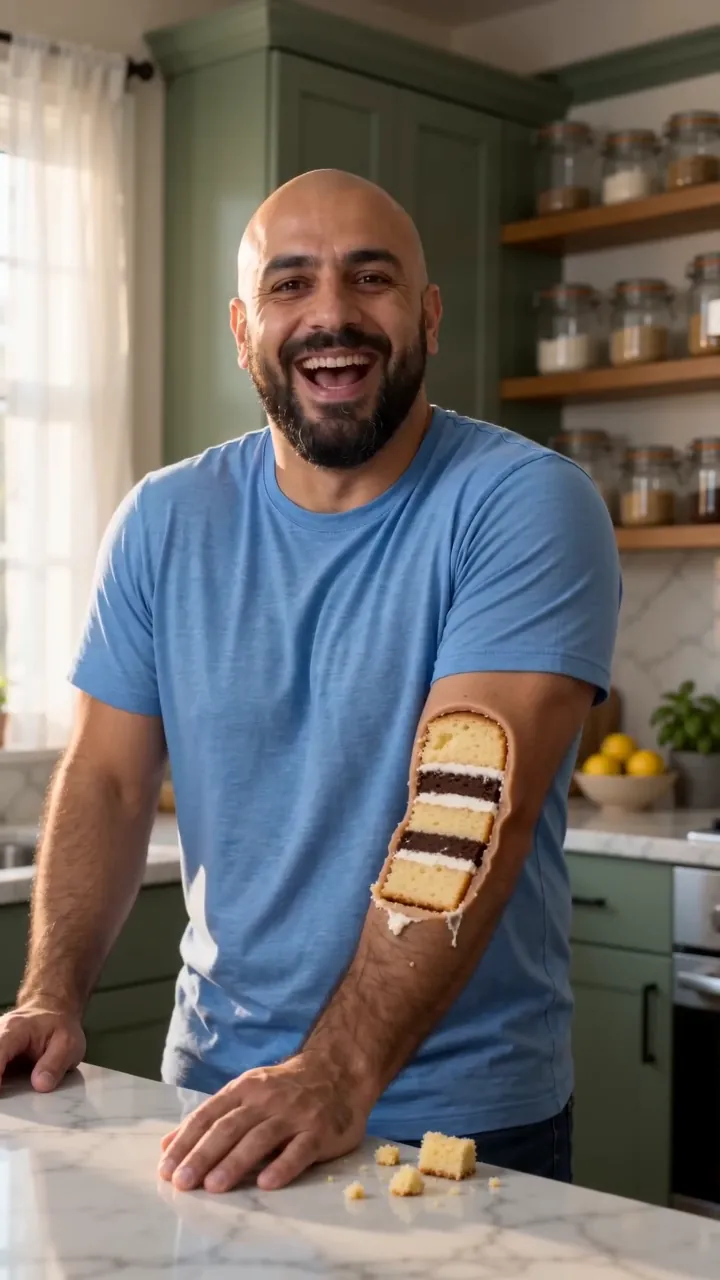
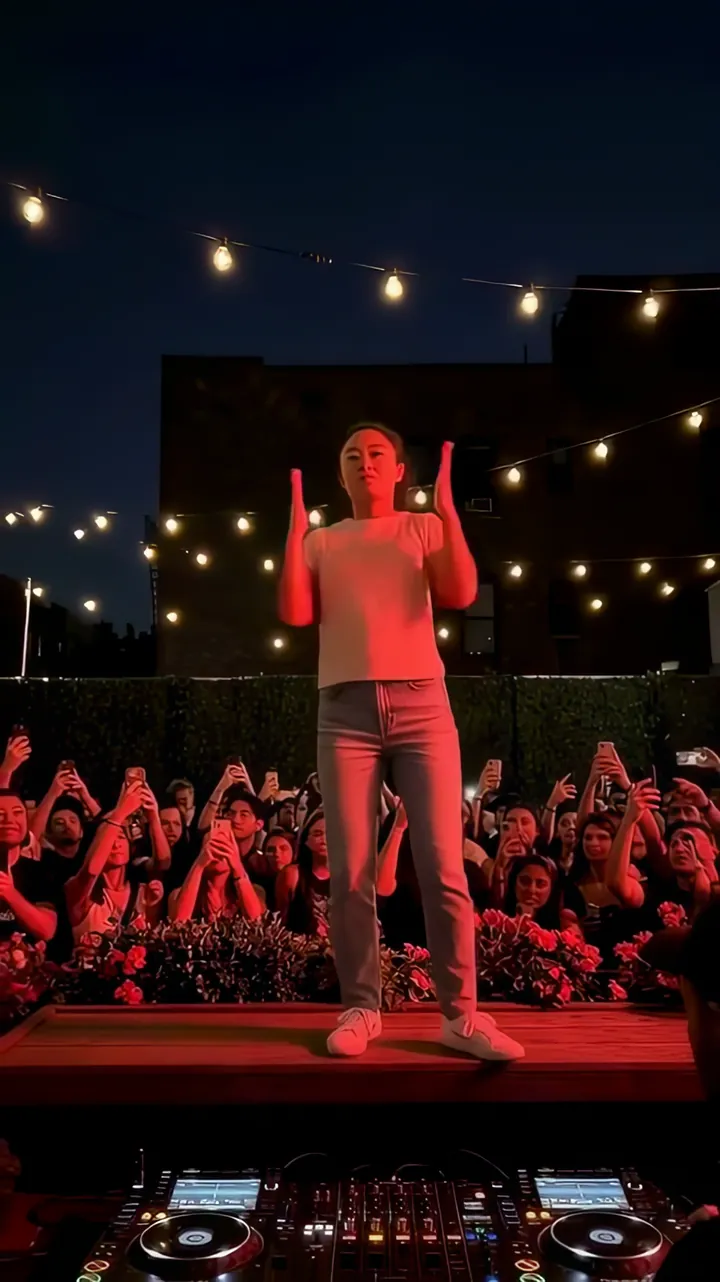
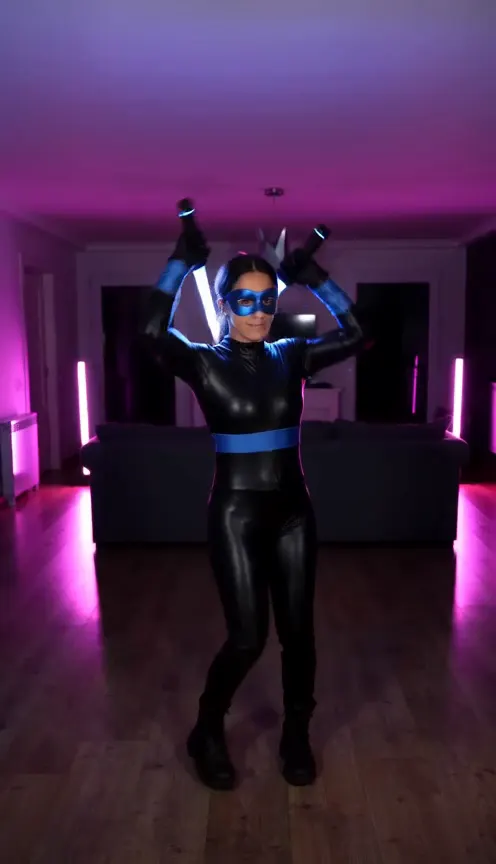
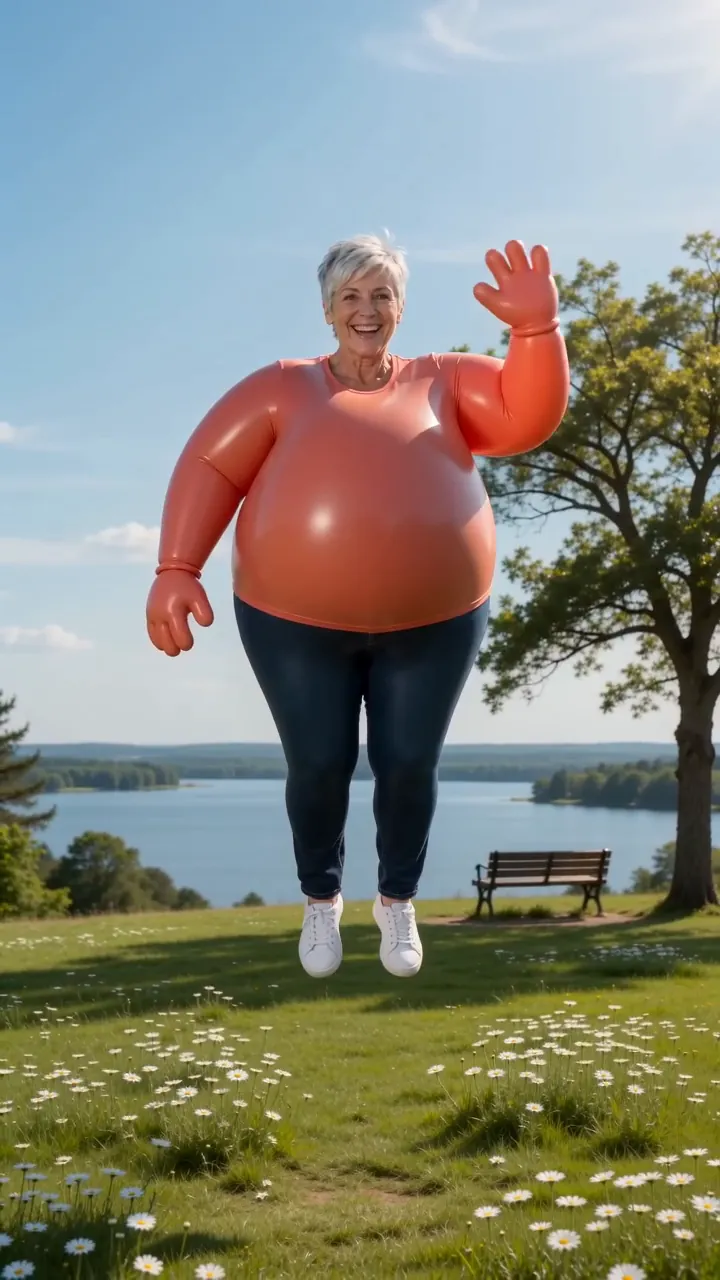
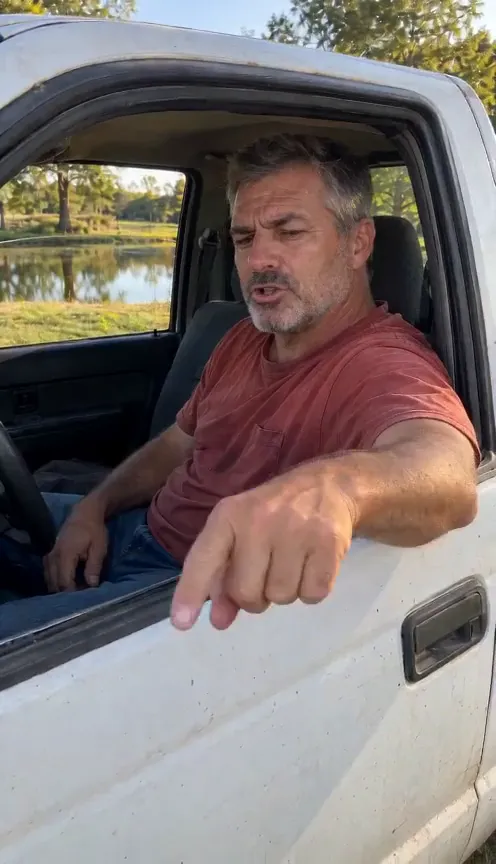
One selfie in, this week’s trending video out. Works for you, your partner or your pet.
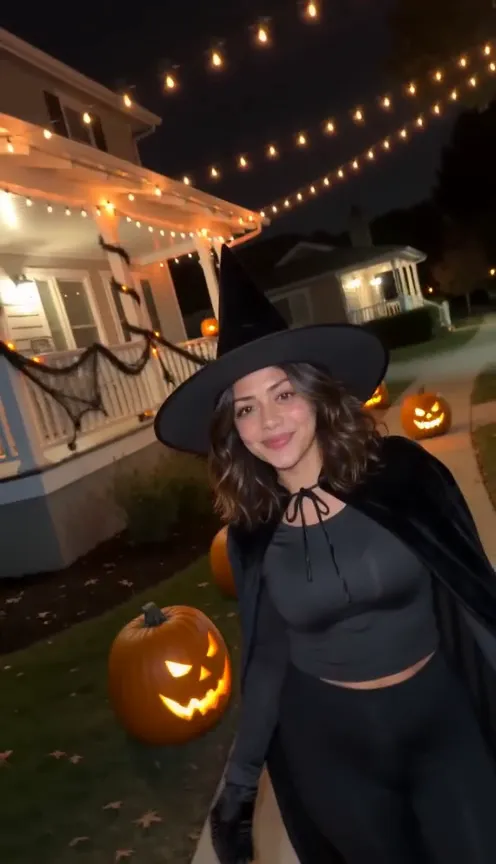
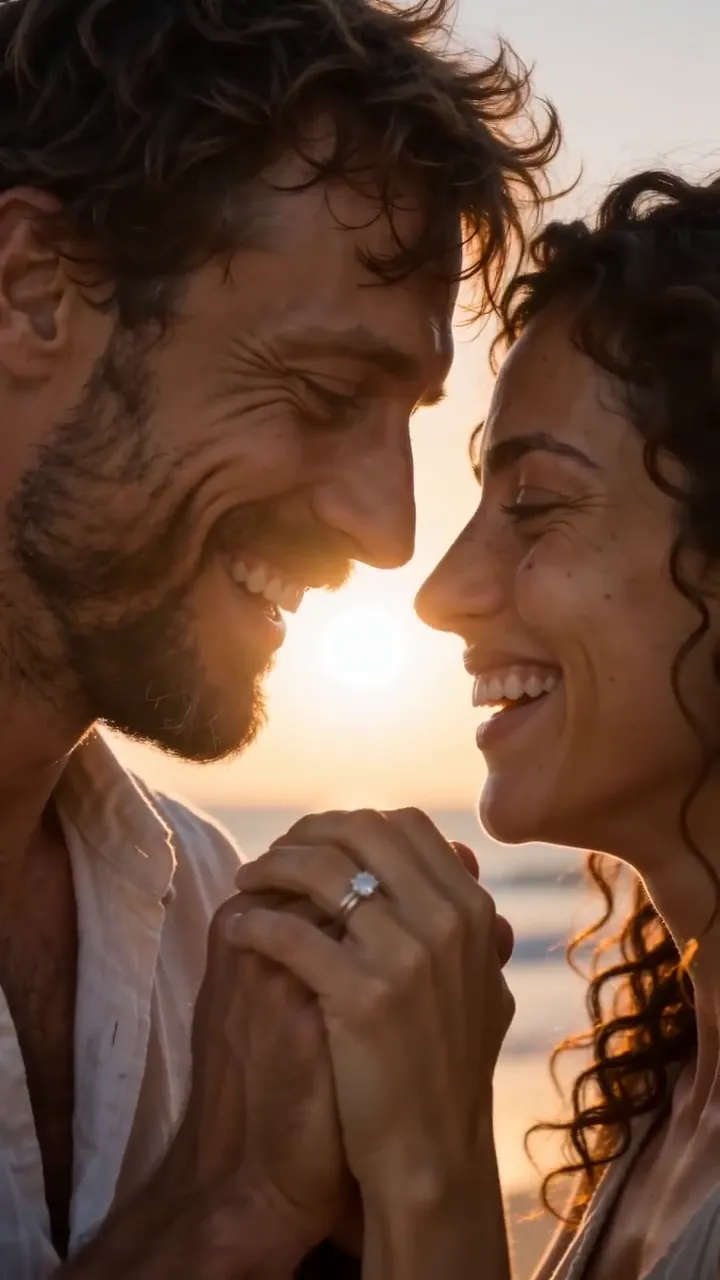
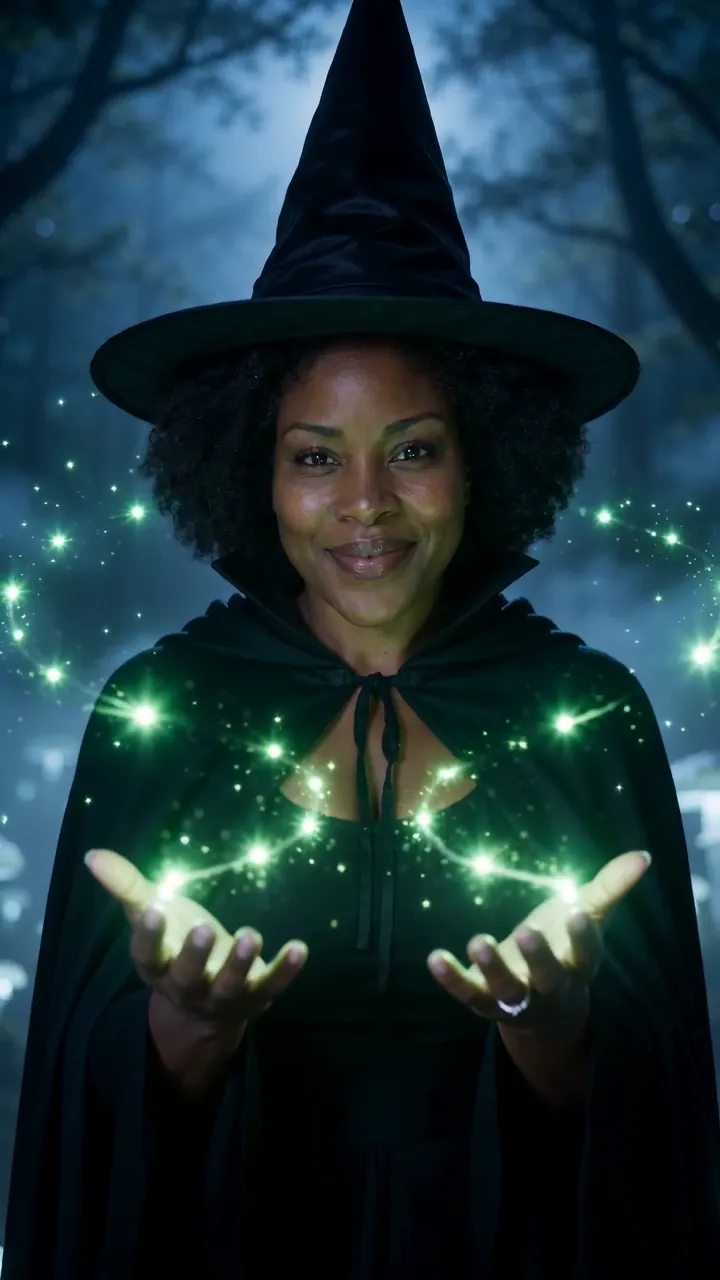
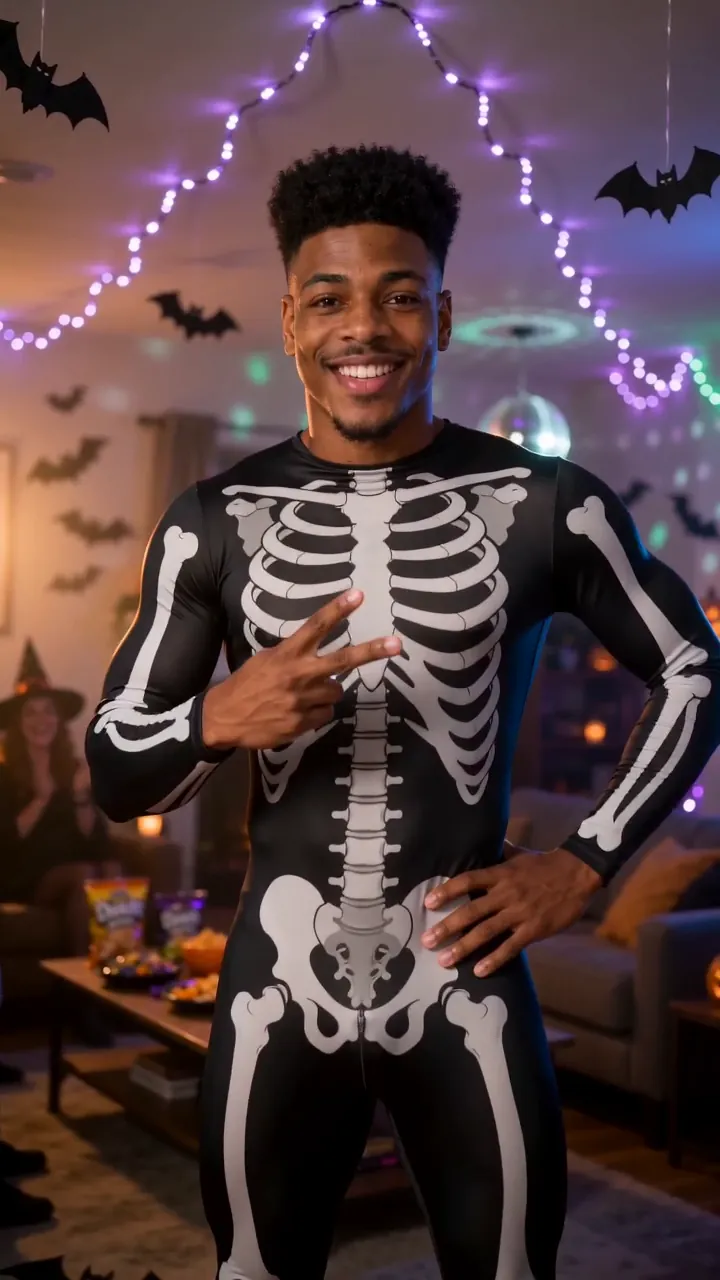
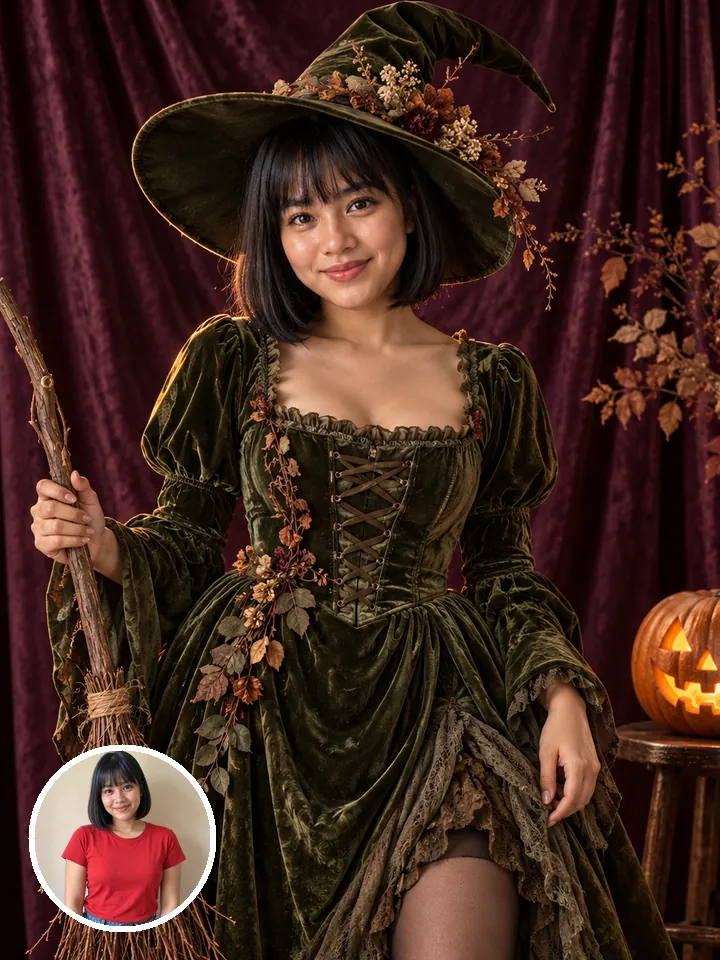
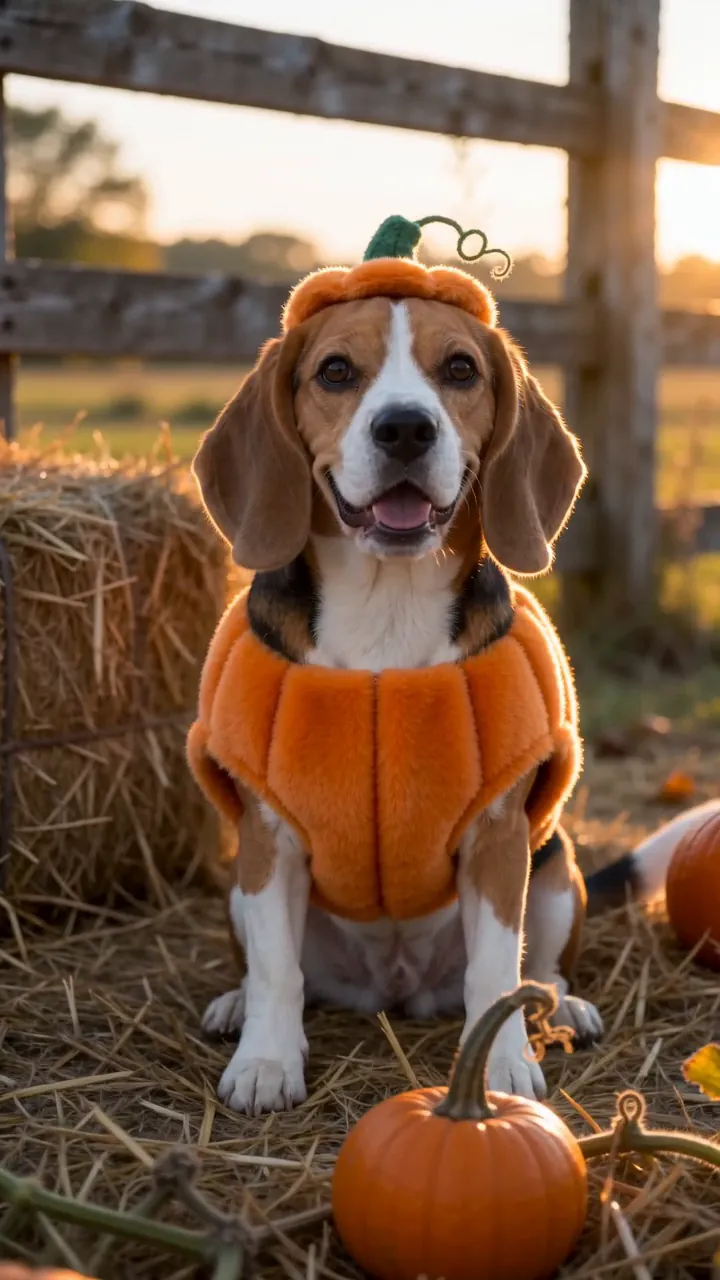
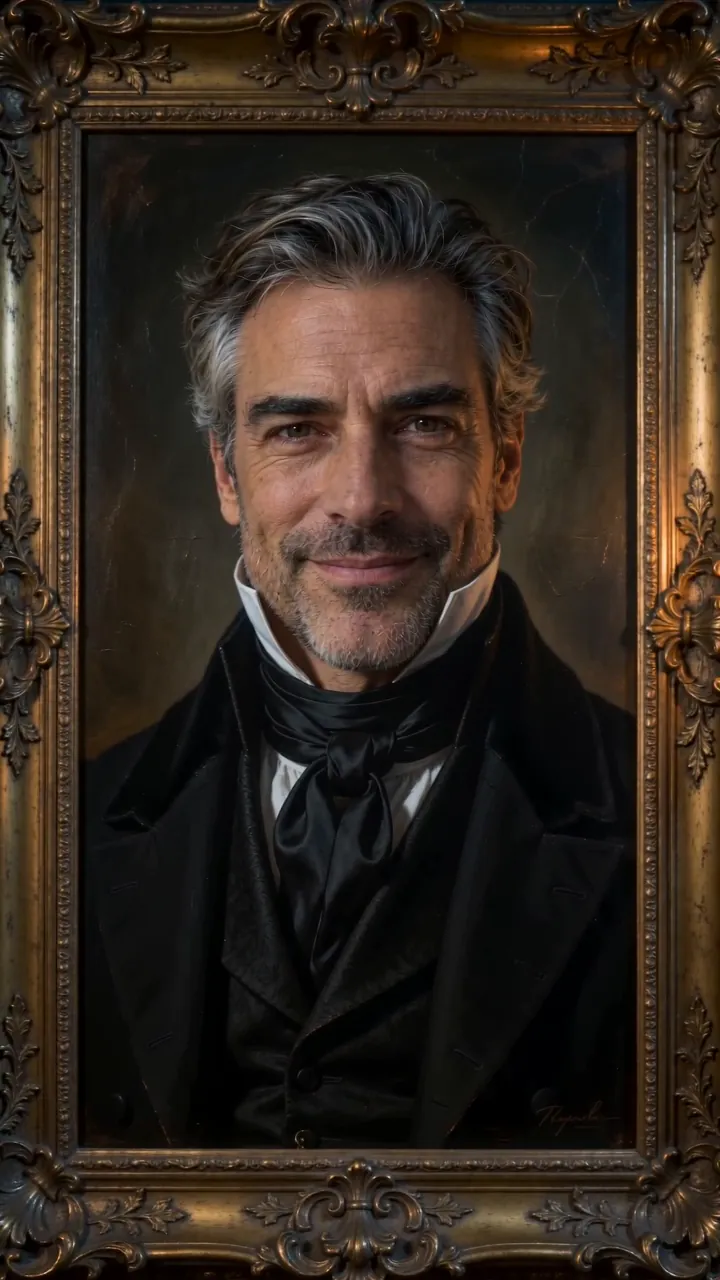



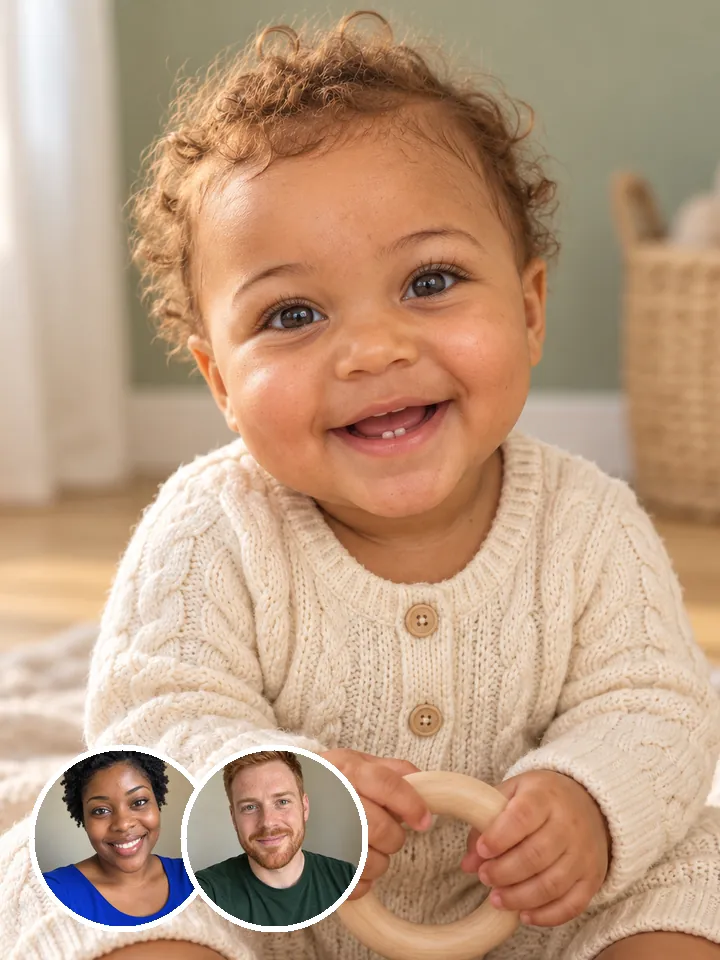
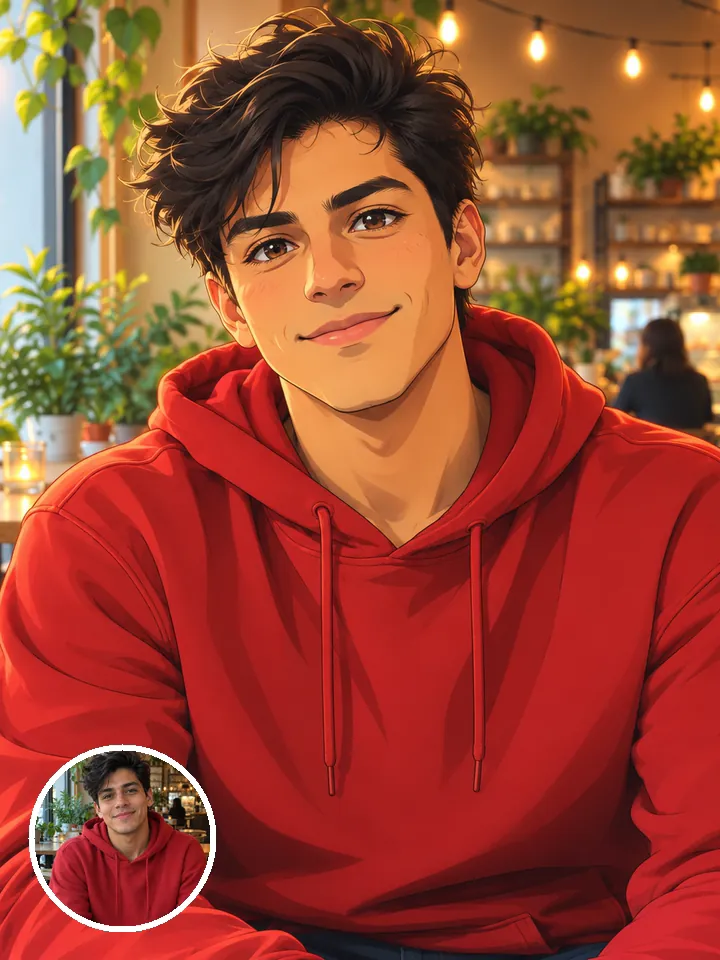
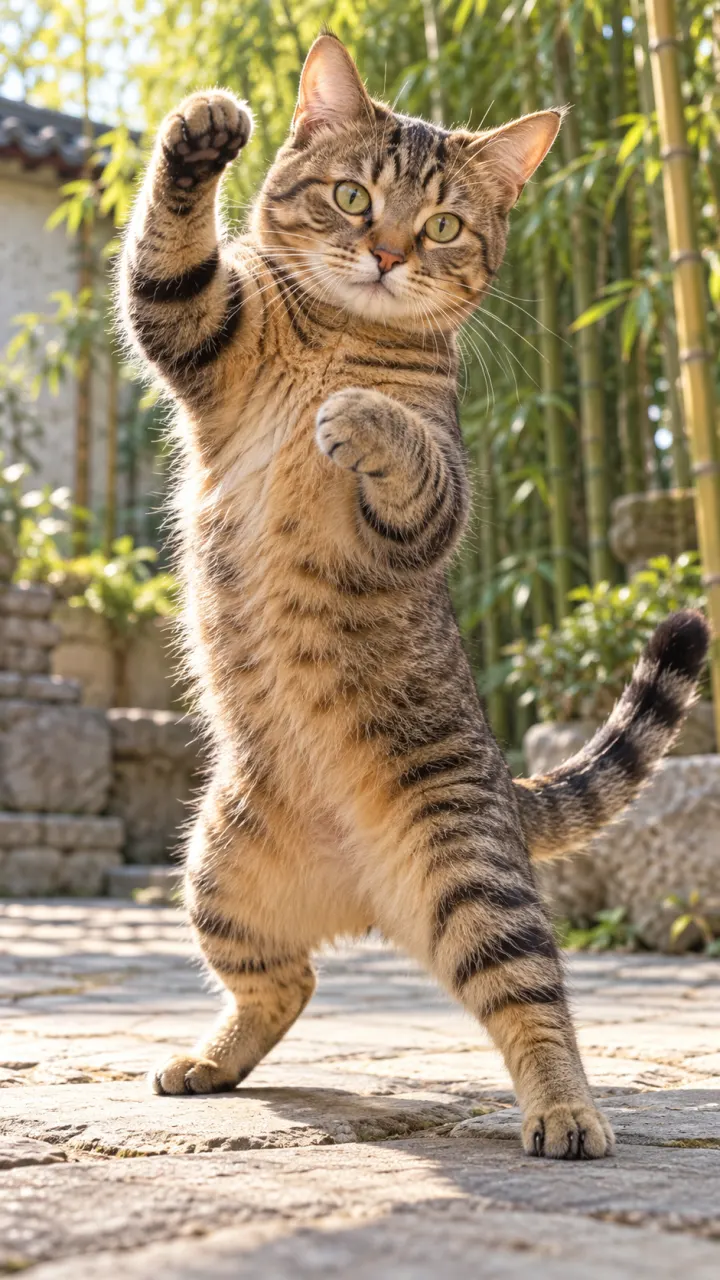

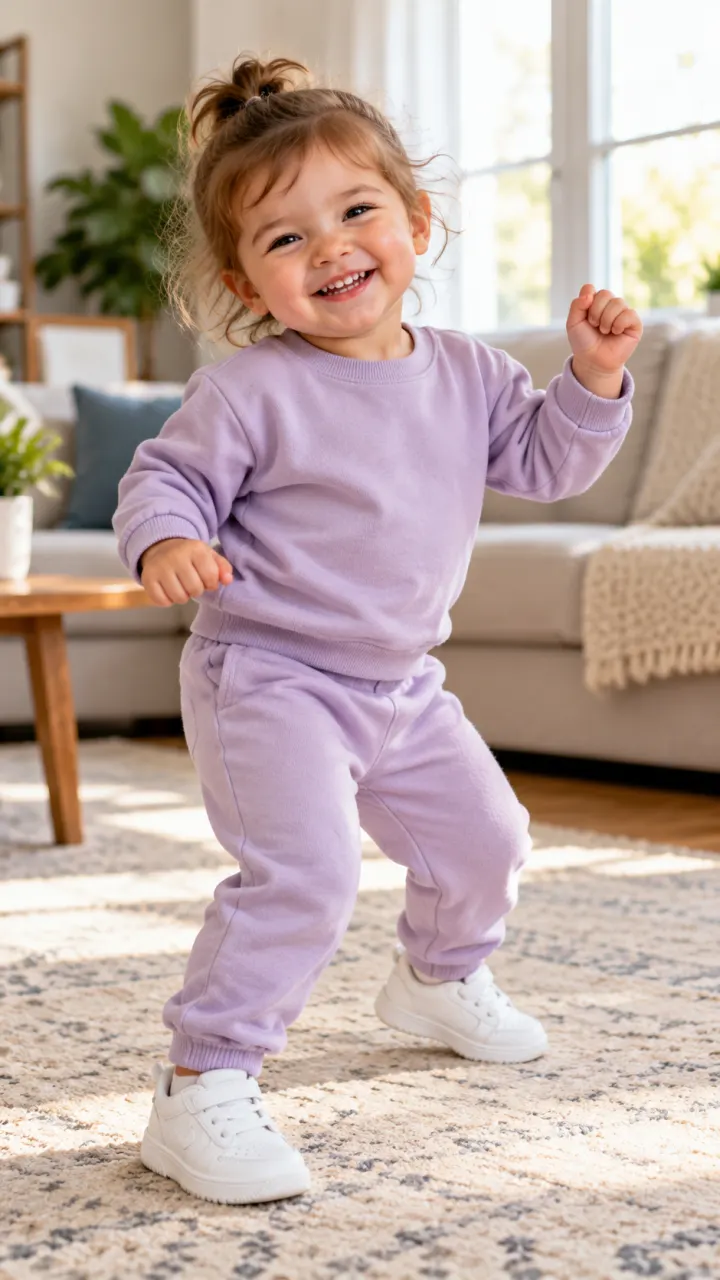
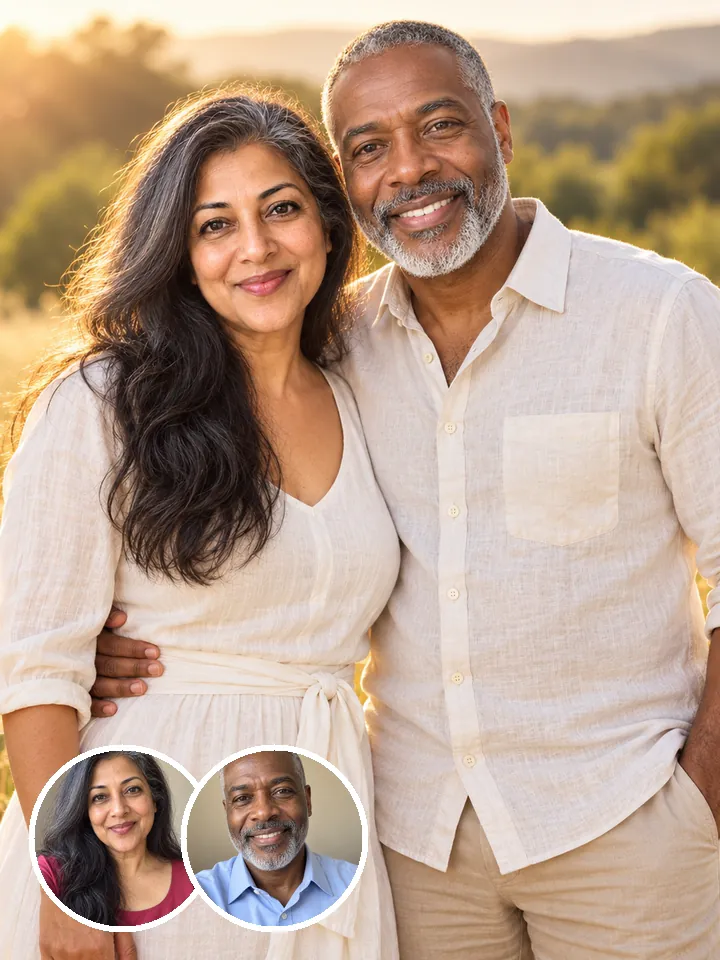
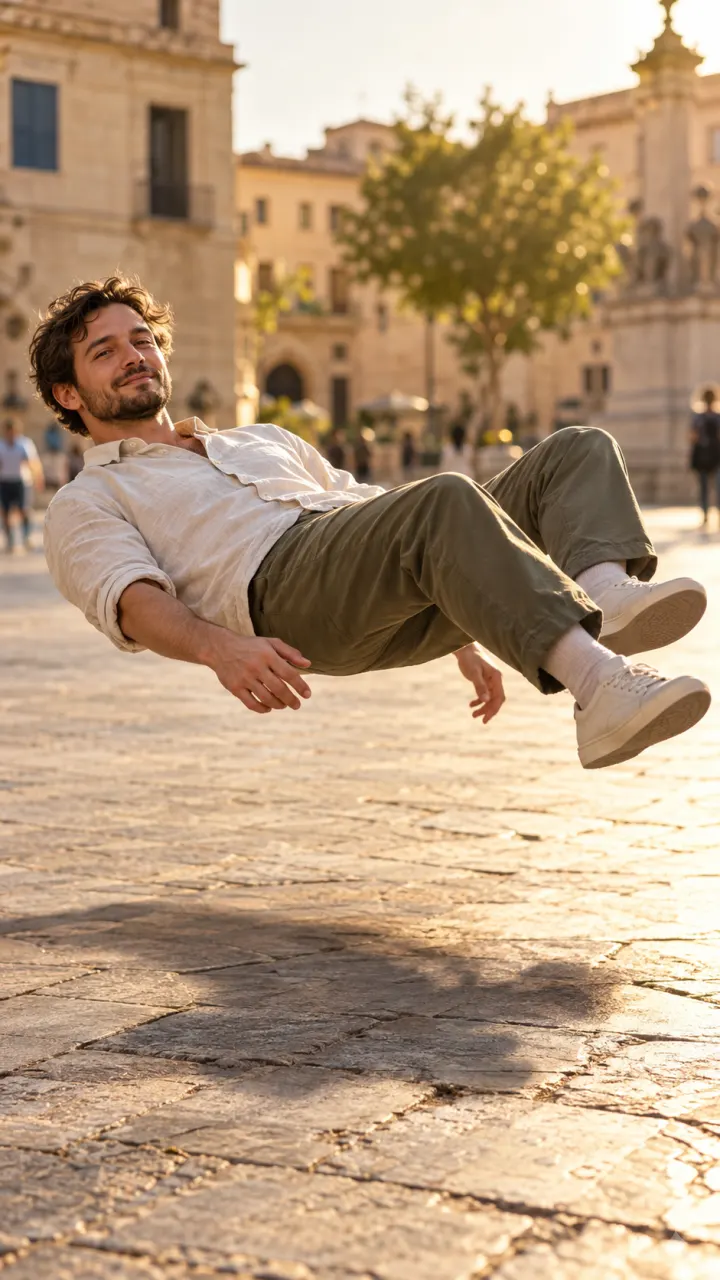
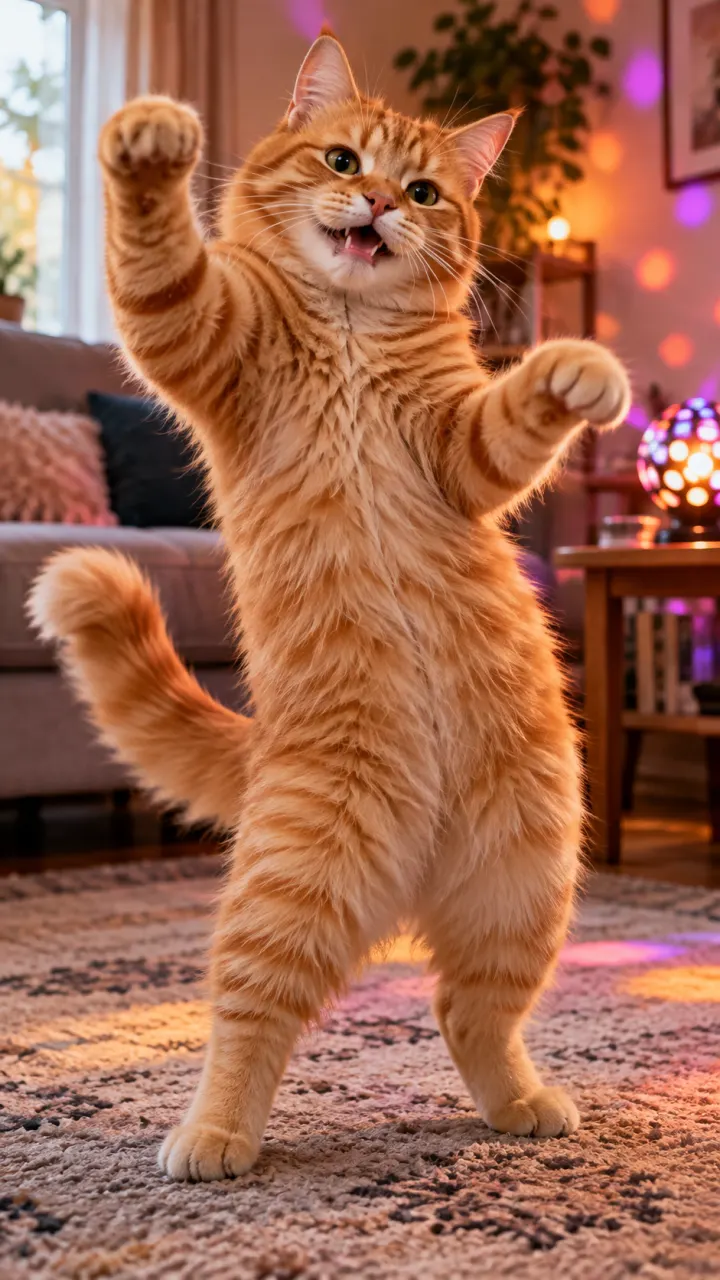
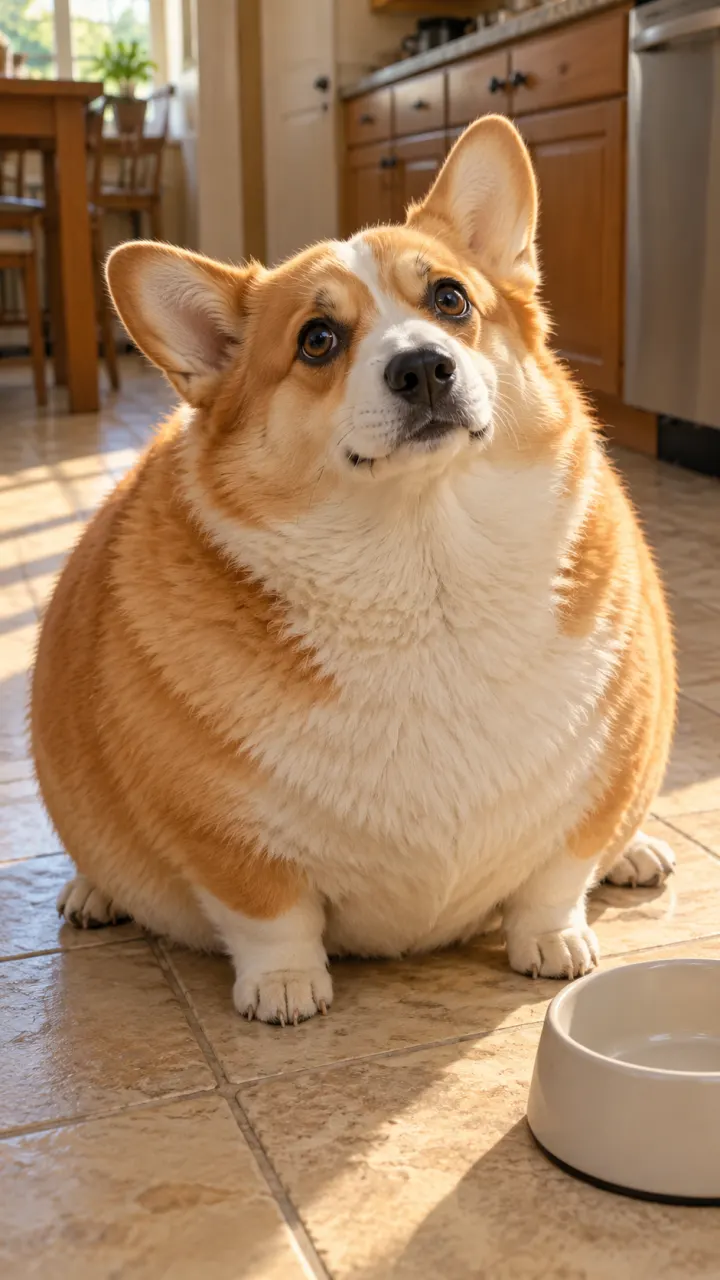
1 · Add your selfie
By adding a photo you confirm everyone in it is 18+ and agreed to have their face used for this. We use faces only to make what you ask for. How we handle faces
2 · Pick a trend
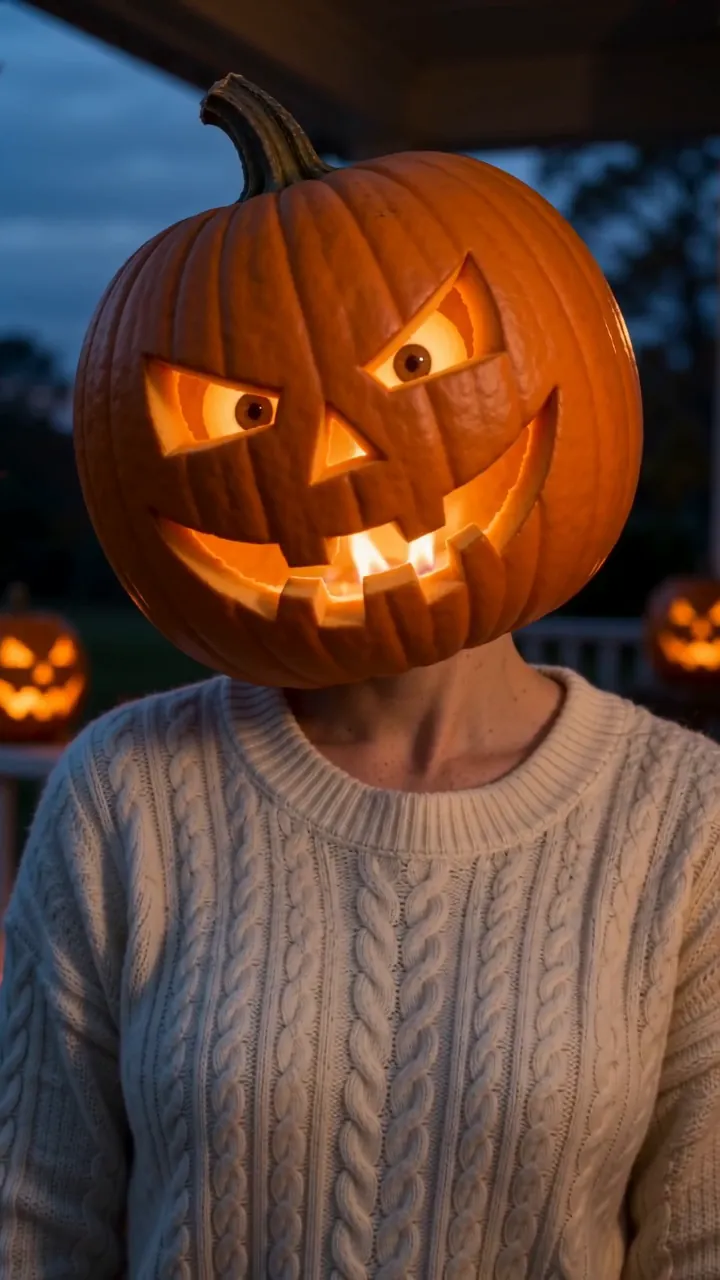
Pumpkin Head AI · For you, two people or pets · 9:16 video
Not charged if it fails
Pick a collection
Trending this week
One photo. One tap. Your video.
- Clear face, good light
 1
1Add one photo
A clear selfie in good light works best. Couples add two photos, and pets work too.
- 2
Pick a trend
Dances, glow-ups, Halloween looks and more, with new ones as trends rise. Each shows its result before you choose.
 3
3Post your video
It comes back vertical with sound, ready for TikTok, Reels and Shorts. Download it or share a link.
Write a scene, get a video
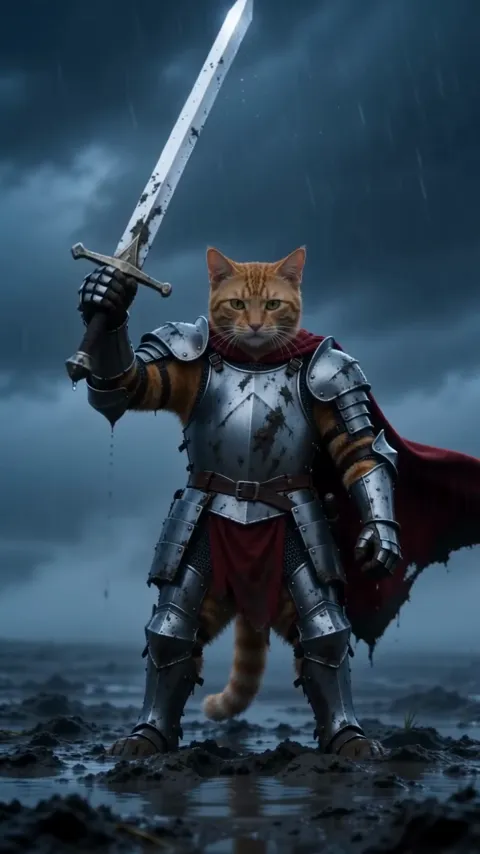
Not every idea has a trend yet. Describe the scene in a sentence, like “a corgi surfing at sunset, the camera following from the side”, and get a clip sized for Reels, TikTok or YouTube. Add a photo and it becomes the first frame, so your face, your pet or your product starts the shot. Auto picks a model that fits the prompt, or choose one yourself on the models page.
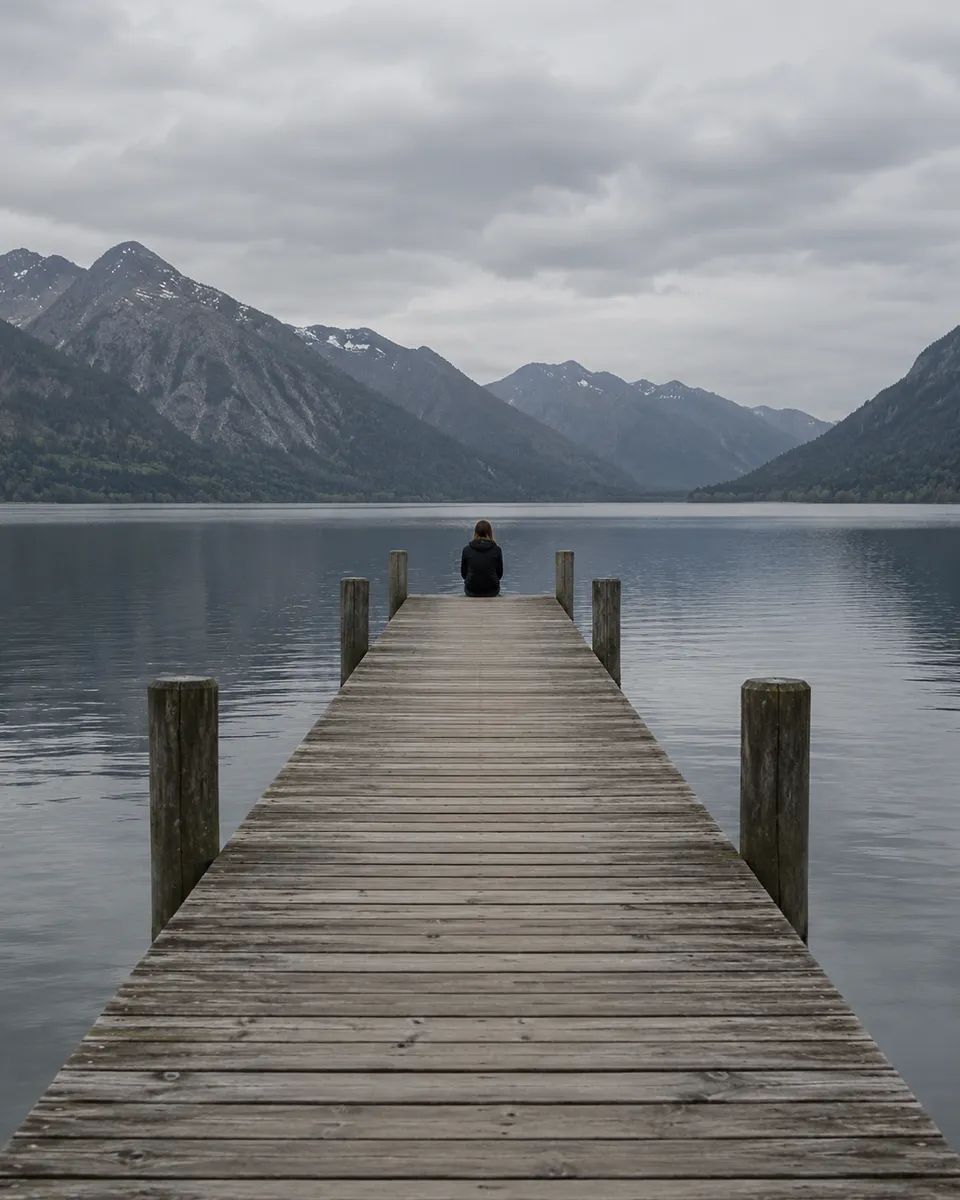
Picture anything, or fix a photo
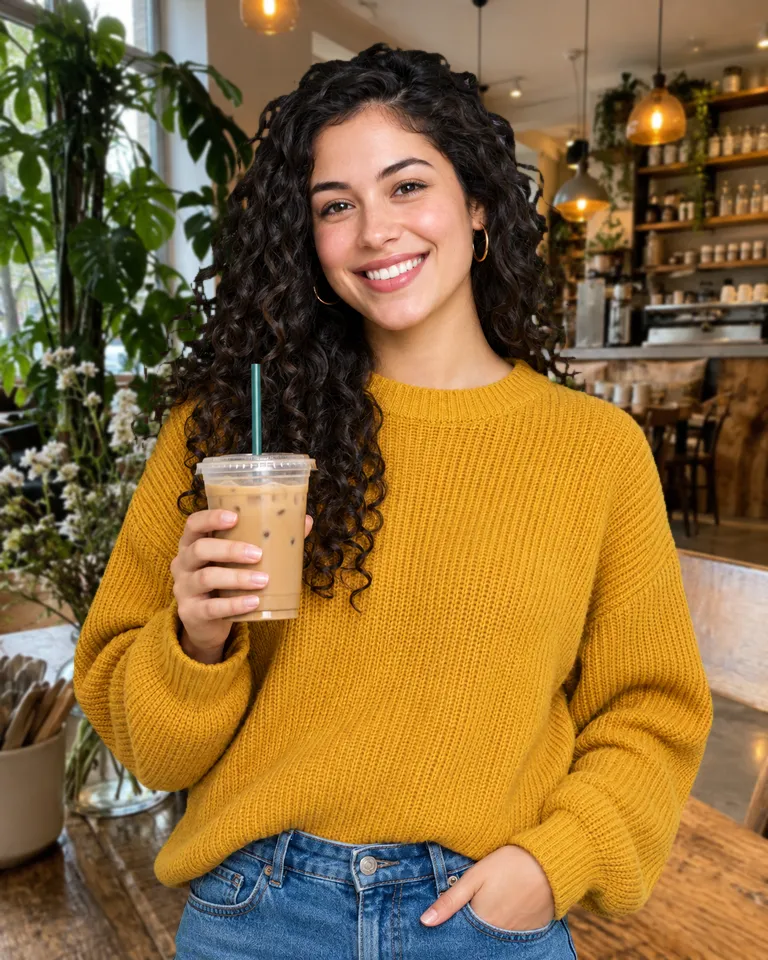
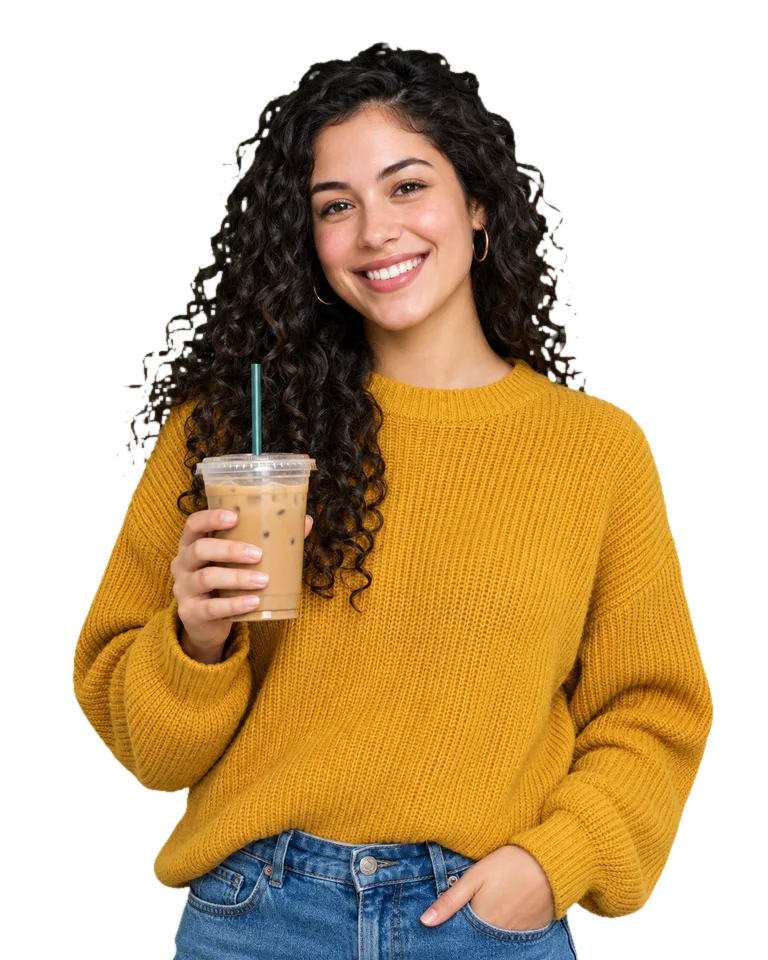
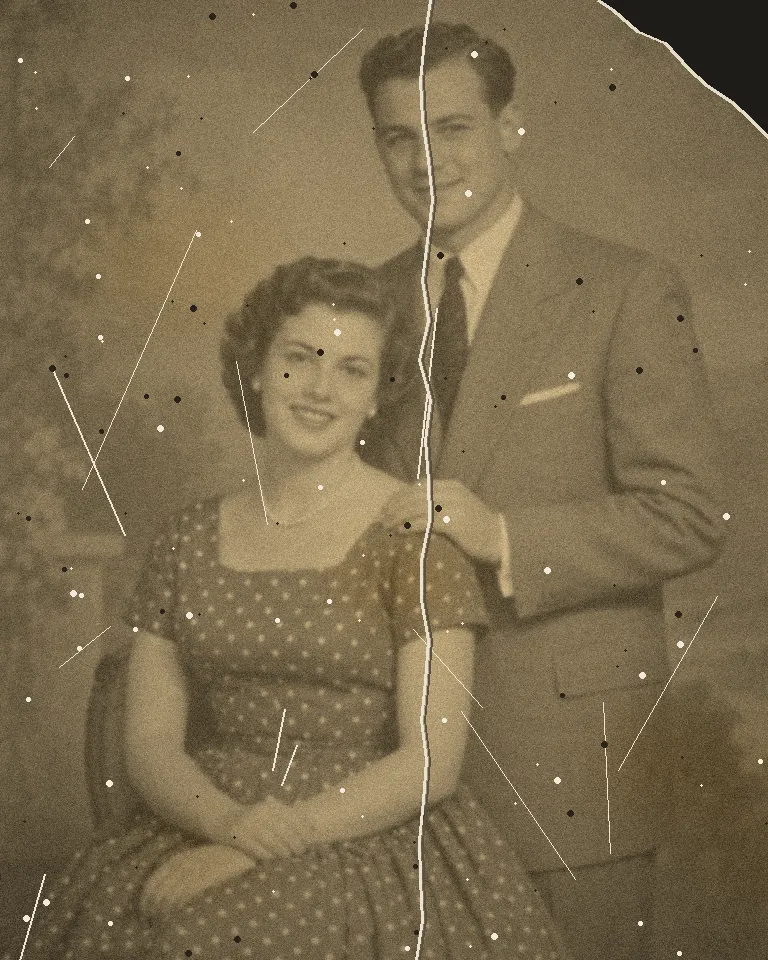
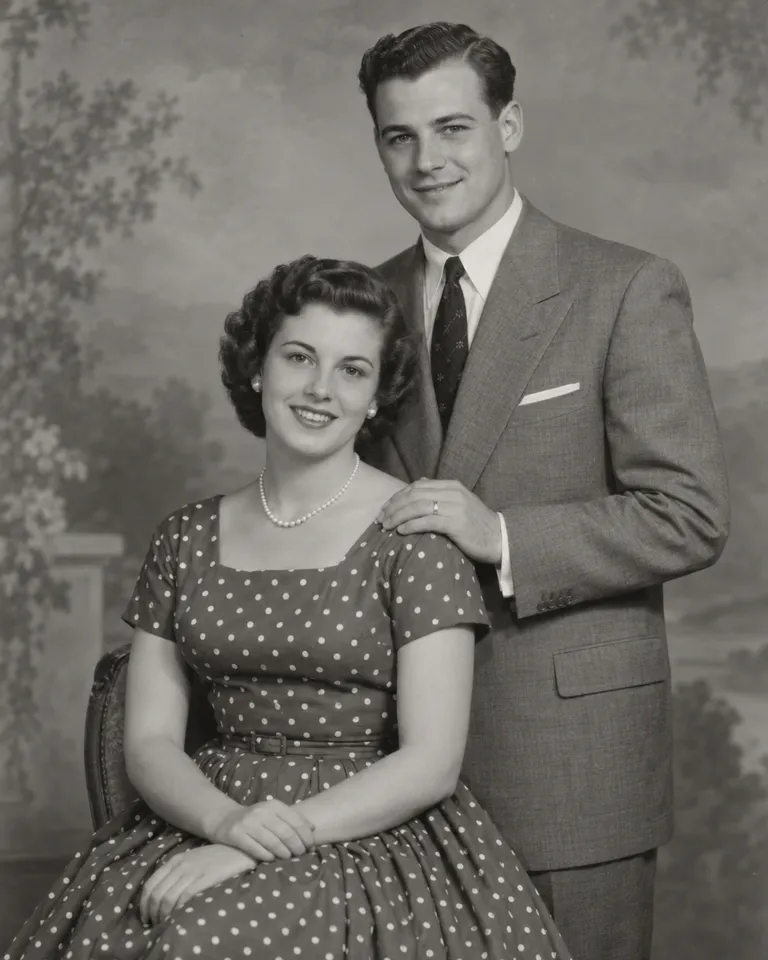
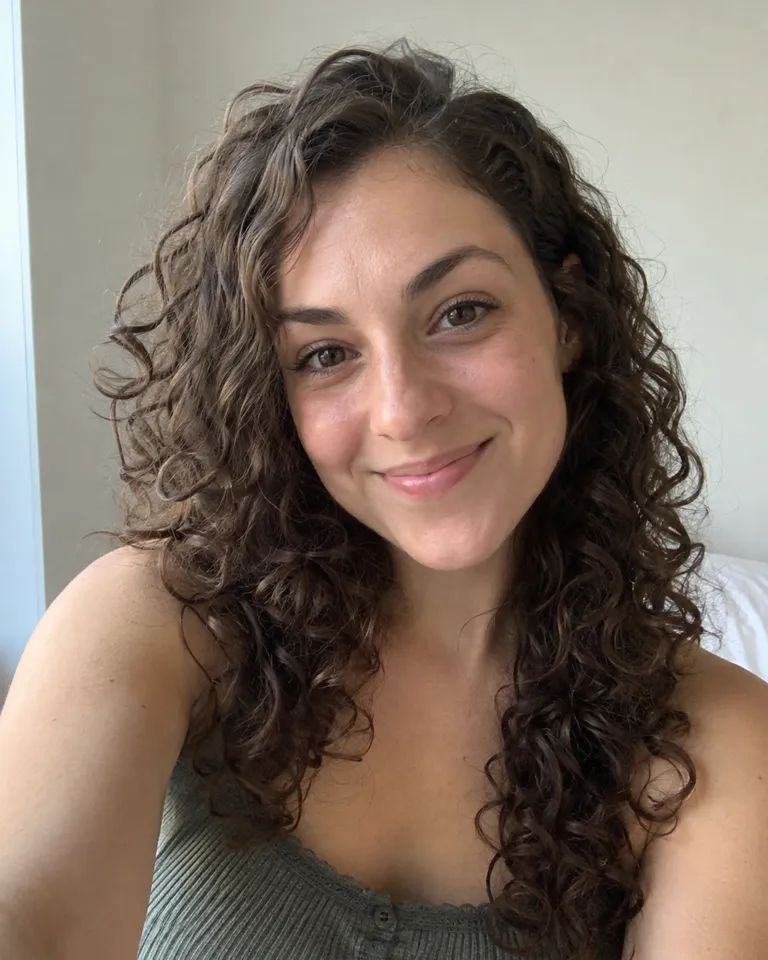
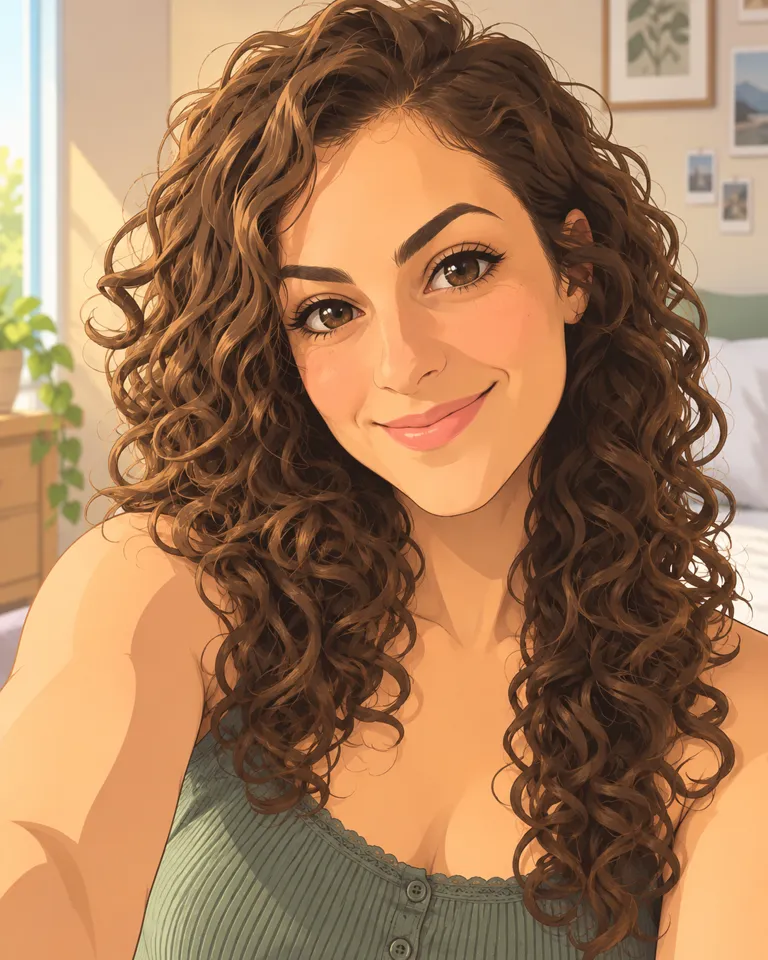
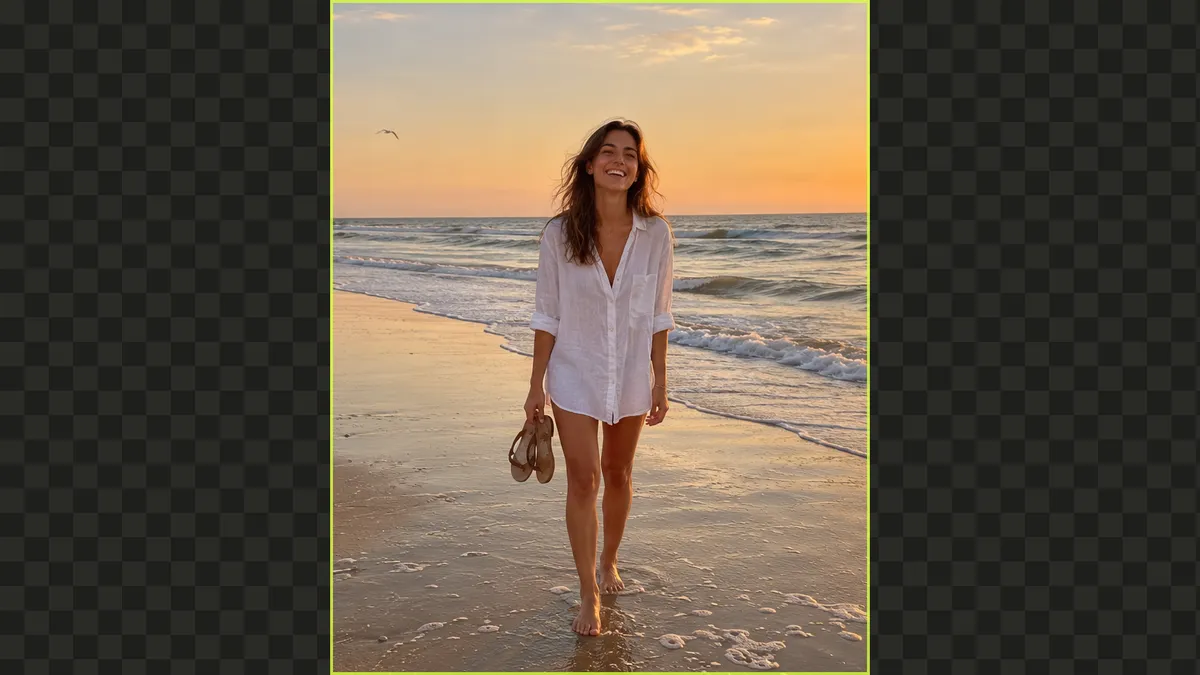
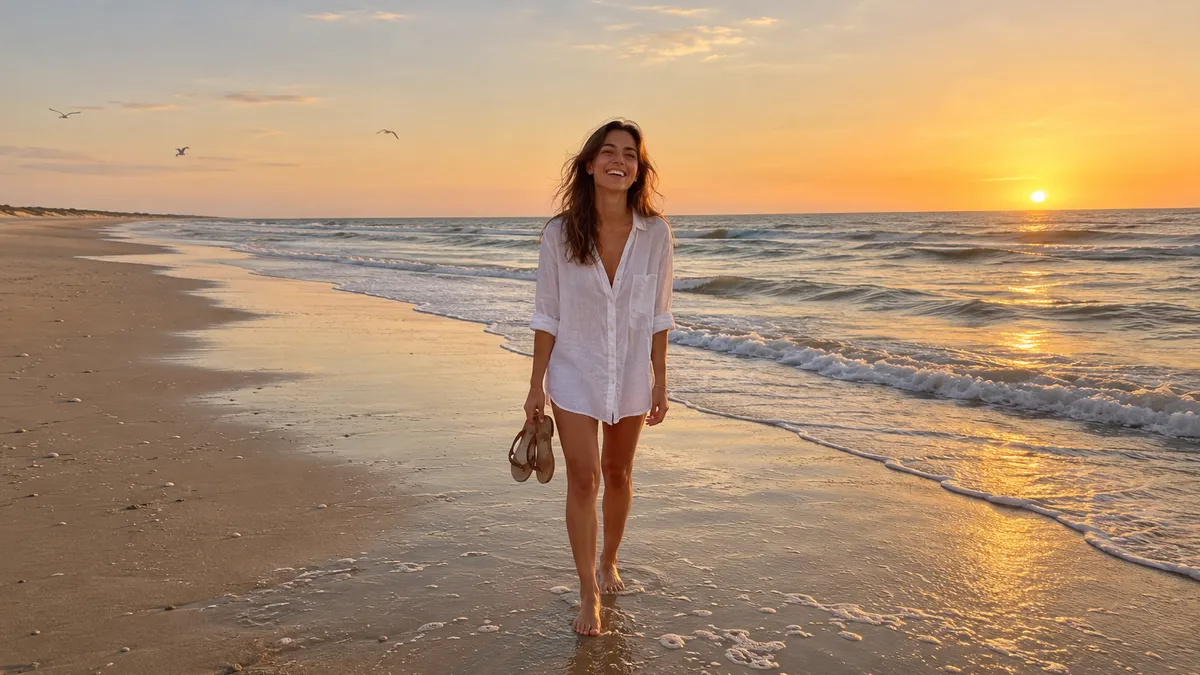
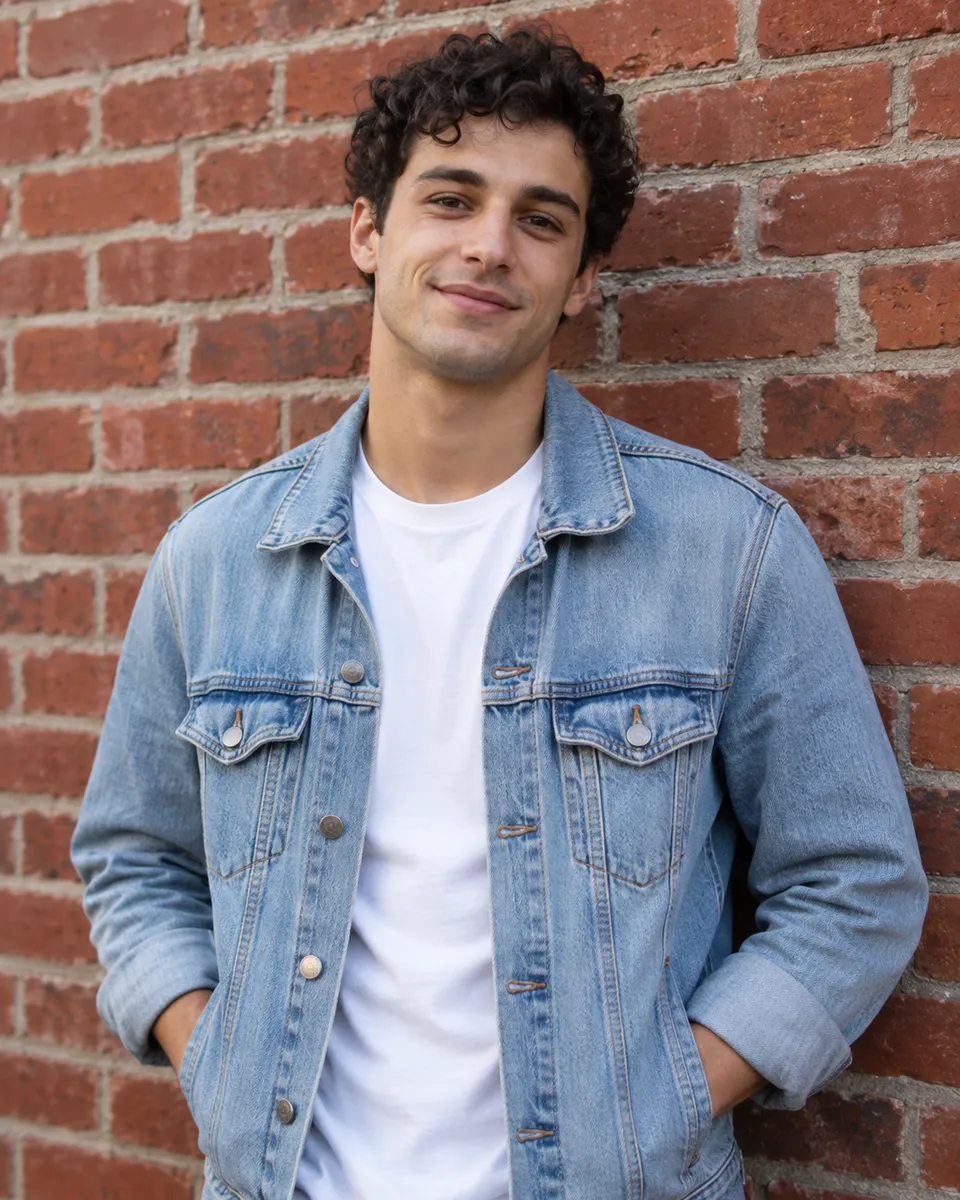
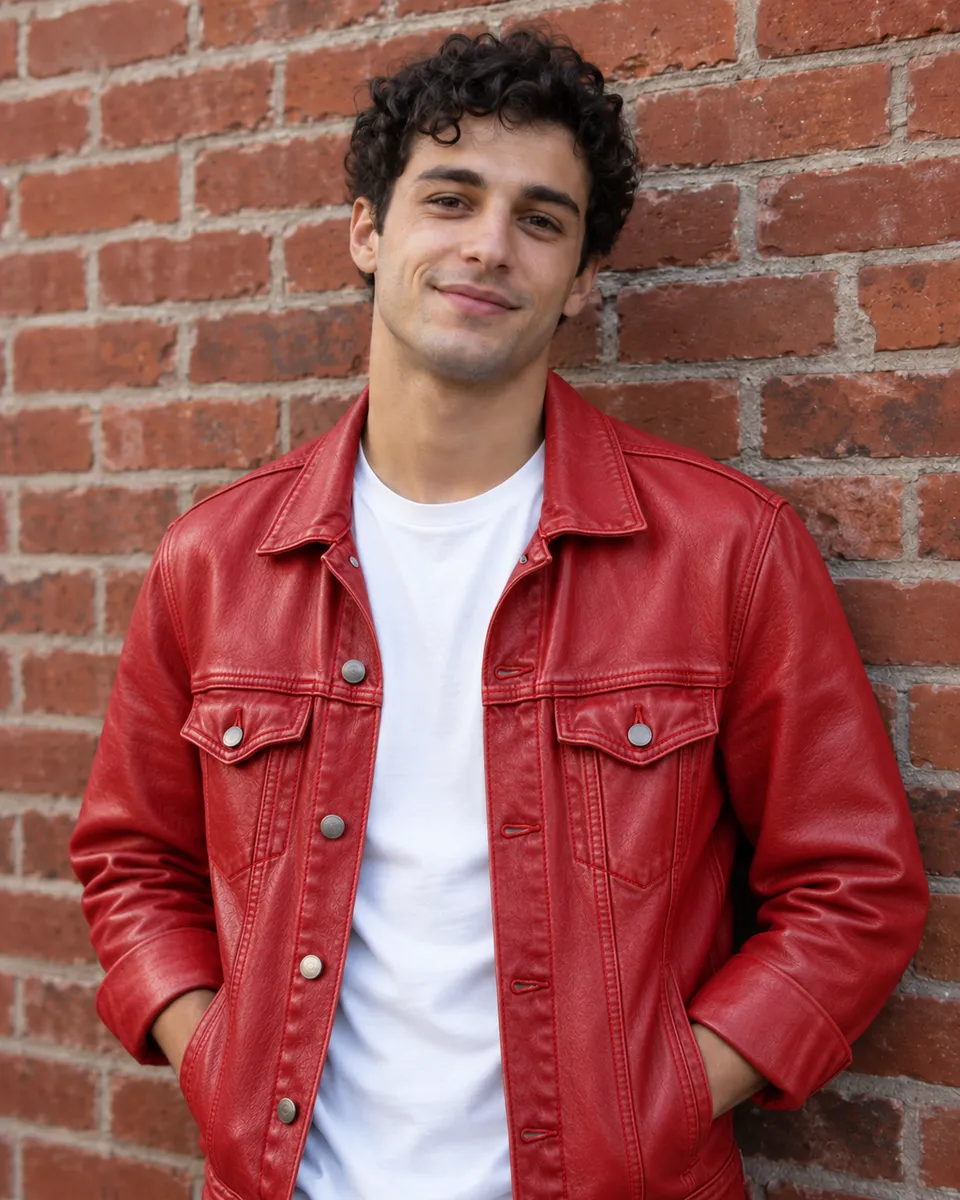
Type an idea and get an image: a poster with your headline on it, a product shot on a clean backdrop, a portrait in a new style. Already have the photo? Write the change, like “make it golden hour”, and only that part moves. One-tap fixes like removing the background or upscaling sit right below.
Quick photo fixes

Trend guides
A short read for each trend, from how the video is made to what it costs.
 Trends explained · 4 min readHow to do the Pumpkin Head trend without AI
 Trends explained · 4 min readHow to do the Ghostface AI trend
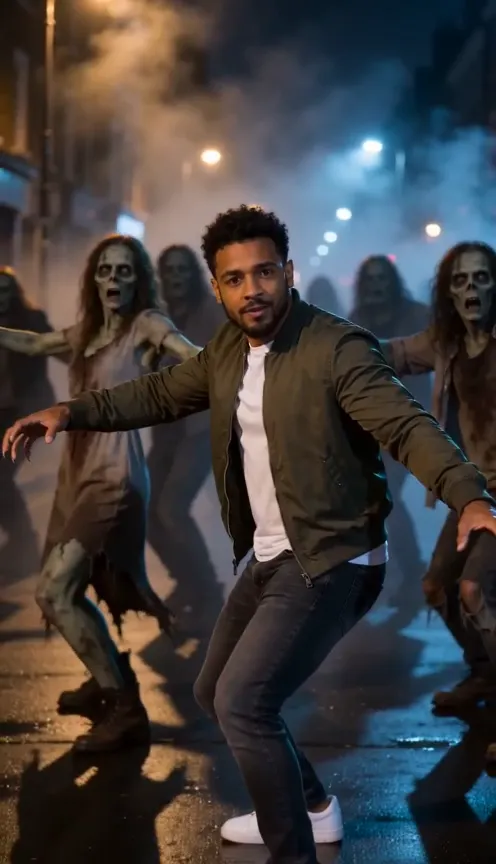
 Trends explained · 4 min readThriller Dance AI: lead the zombie dance from one photo
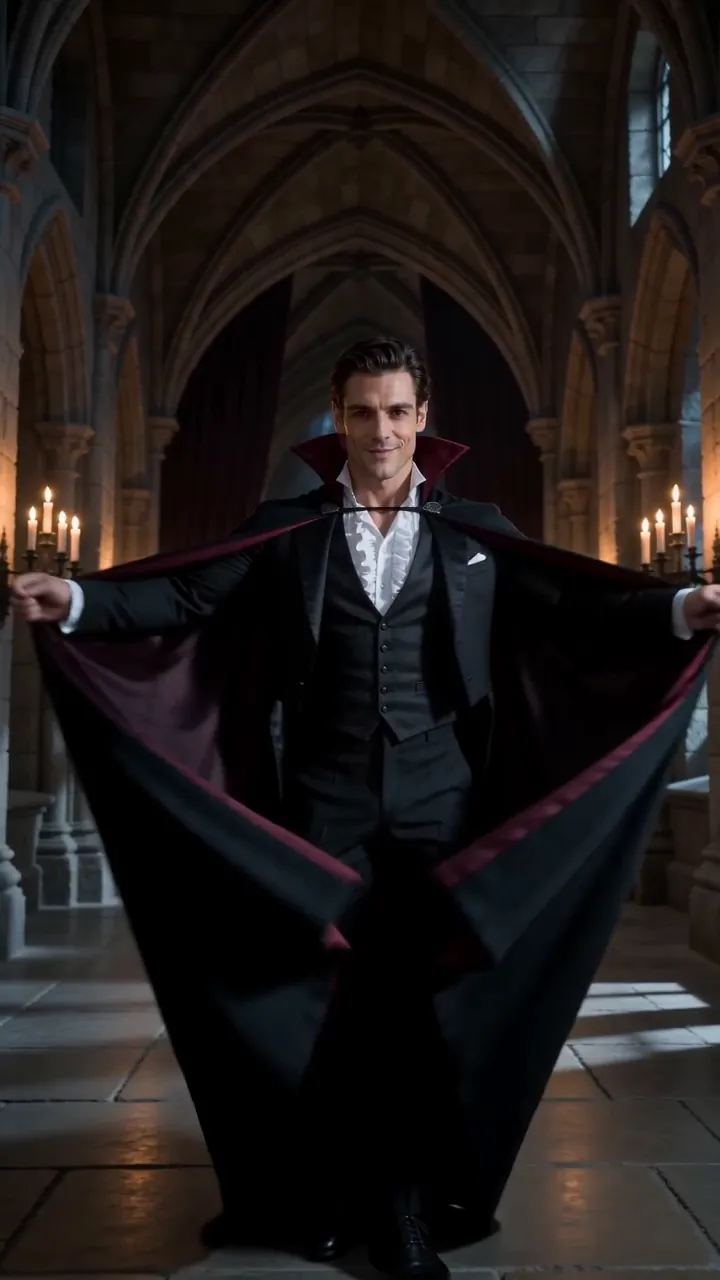
 Trends explained · 3 min readHow to turn a selfie into the AI Vampire video
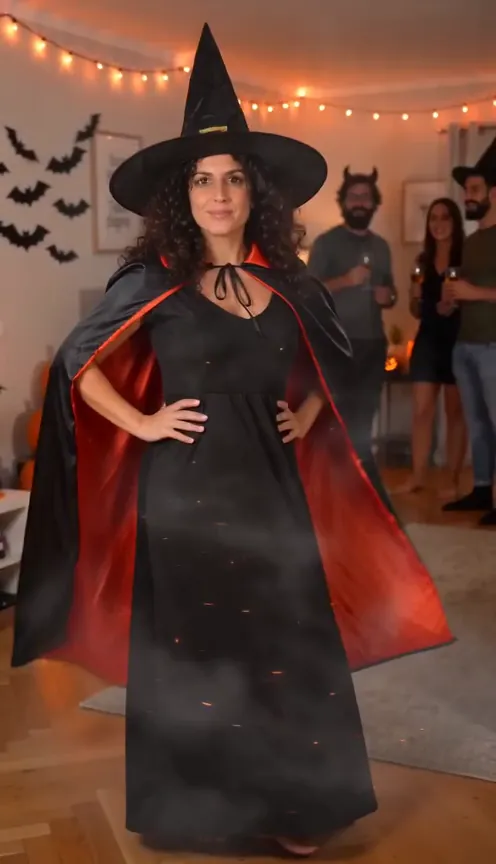
 Trends explained · 3 min readHalloween costume video: spin from your own clothes into a witch
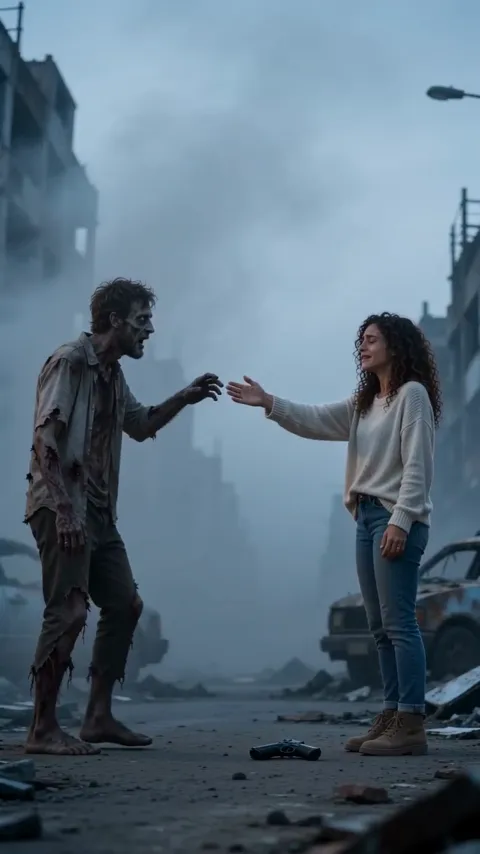
 Trends explained · 4 min readHow to make an AI Zombie Love Story video
 Trends explained · 3 min readWitch transformation trend: how to make yours from a photo
 Trends explained · 4 min readSkeleton Dance AI: rattle your bones from a selfie, alone or as a pair
What is Reelfie?
Reelfie (reelfie.app) is an AI video site for trends. You pick a trend, upload a photo of yourself, your partner or your pet, and get a short video of the trend starring you. Trends you can make now include Pumpkin Head AI, Zombie AI, Ghostface AI, Thriller Dance AI, AI Vampire and Halloween Costume Video.
What app makes the AI trend videos on TikTok?
Most are made with AI video tools that turn a photo into a short clip, plus a written prompt and a few retries. Reelfie makes each trend in one step: the scene, the moves and the timing are built in, so you pick a trend and add your photo. Every trend page shows a video made with it.
Is it free?
Free to try: every new account gets one photo trend free (2 images), no card needed. A trend video is from 80 credits and the smallest pack is up to 2 videos for $9.90. Plans cost less per video, and a run that fails costs nothing.
Is Reelfie legit?
Yes. Reelfie is an independent site at reelfie.app. Checkout runs on Stripe, so we never see your card. Every price is shown before anything runs, a render that fails gives its credits back automatically, and a person answers support@reelfie.app.
Is Reelfie the official app for these trends?
No. TikTok trends start with creators, and no app owns them. Reelfie is independent and isn’t affiliated with TikTok, CapCut or the people behind any trend. It makes your own version of a trend from your photo, with the trend’s scene and timing built in.
Can I make these trends with ChatGPT or Gemini?
Partly. ChatGPT and Gemini can write a prompt and make images from your photo, and on some plans short clips, with limits on photos of real people. They don’t know each trend’s scene or timing, so expect some trial and error. On Reelfie the trend is built in: you add a photo and get the finished clip.
Can I make them in CapCut?
Sometimes. CapCut has templates for some trends, and its AI tools can turn a photo into a clip from a prompt you write. Templates come and go, and many only re-cut photos you already have. On Reelfie every trend has its own page: pick it, add a photo, and the clip comes out ready for TikTok, Reels and Shorts.
Do I need to write a prompt?
No. Every trend is ready to go: pick one, add your photo and we build the video. If you want to describe your own scene, the Studio has a prompt box.
Can I make one with my partner or my pet?
Yes. Couple trends take a photo of each of you, and pet trends take one clear photo of your pet. Both people need to be adults who agreed to be in it.
Do I need a subscription?
No. Plans renew monthly or yearly and cost less per credit, and you can cancel any time. Credit packs are one-time top-ups whose credits last 12 months. A failed video refunds its credits.
Is there an app to download?
No, and you don’t need one. Reelfie works in your phone’s browser: pick a photo from your camera roll and download the finished video back to your phone.
How long does a video take?
Most videos are ready in 3 to 5 minutes, photo trends in about a minute. You can leave the page; we keep rendering and email you when it’s done.
What photo should I use?
A clear, front-facing photo with one face, good light and nothing covering the face. For pets, a photo where the face is fully visible.
Can I use the videos on TikTok and Instagram?
Yes. Videos come in 9:16 for TikTok, Reels and Shorts. Downloads carry a small watermark until your first purchase; after that, none do. To join a trend, choose its sound in TikTok’s sound picker and lower your clip’s own audio: your video then shows on that sound’s page.
Does TikTok need an AI label on these videos?
Yes, when the video looks real. When you post, open More options and switch on the label for AI-generated content; TikTok asks creators to mark realistic AI video. Our files also carry a machine-readable AI label, invisible in the picture.
Can I make one from a friend’s photo?
Yes, if they’re an adult and said yes. No celebrities, no strangers and nobody under 18; photos of yourself are always fine.
Who owns the videos I make?
You do. Once you’ve bought a plan or a pack you can use them commercially, ads included, as long as everyone in them agreed. Before that, downloads carry a small watermark and are for personal posts.
What happens to my photos?
They are used only to make your video. Your photos are deleted 7 days after upload and never used to train AI. Your videos are private until you share them.
Your face.
This week’s trend.
 Star in this week’s trendUp to 2 videos for $9.90One photo, this week’s trends